Dialed: a 3D printing diagnostic · by Clearview
Free to use, with no account needed. Find published 3D print settings for your printer and filament, understand what causes a failed print, and choose a focused next test. Dialed brings community reports, troubleshooting strategies and support-interface experiments into one free tool.
Select your printer, filament brand or material, and the issue you want to improve below. Each reviewed report names its source and explains what worked, what was only suggested, and what remains unknown.
Open Dialed full screen ↗
Filament settings that come with context
A slicer preset is a starting point. Filament brand, color, moisture, nozzle, hotend and print geometry can all change the result. Dialed helps you find the people who published their settings and understand how closely their setup matches yours. Download the research notes, make one change, and compare a small test with your baseline.
The printer list includes Bambu Lab A2L, P2S, X2D, H2D, H2S, H2C, P1S and A1; ELEGOO Centauri Carbon 2, OrangeStorm Giga and Neptune 4 models; Anycubic Kobra Max, Kobra 2 Max and Kobra 3 Max; Creality K2 Plus and K1 models; and Prusa printers. You can also enter another model. A listed printer does not imply that an exact reviewed profile is already available.
Fix the issue you can see
Try a different support-interface filament
Explore PLA support interfaces for PETG, and PETG support interfaces for PLA. The planner explains material assignments, published contact-setting experiments, hardware requirements and flushing considerations. It also covers what to check when using separate nozzles or a dedicated support product.
Build out your printer setup
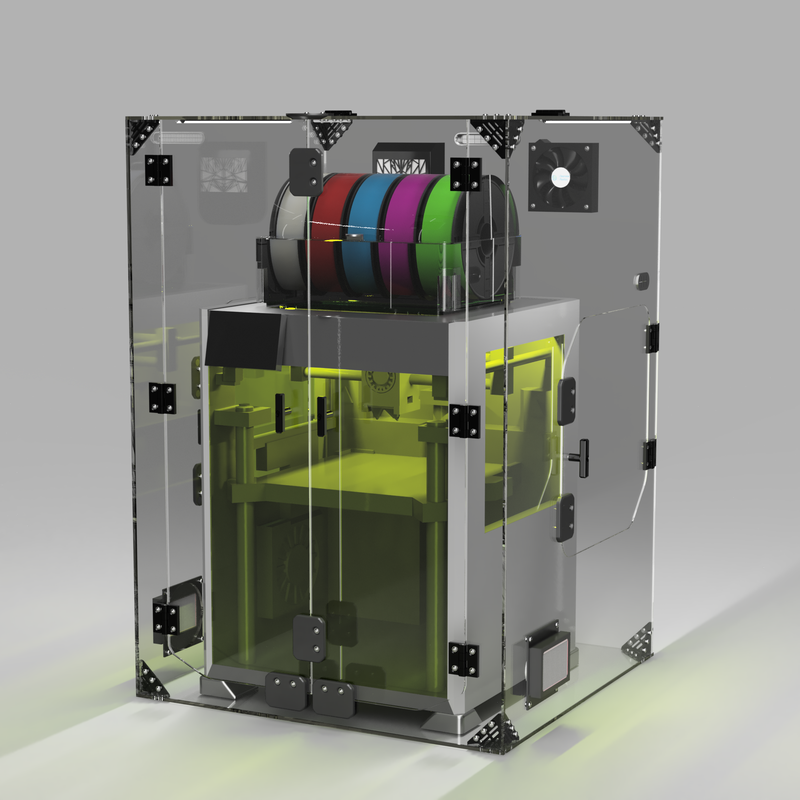
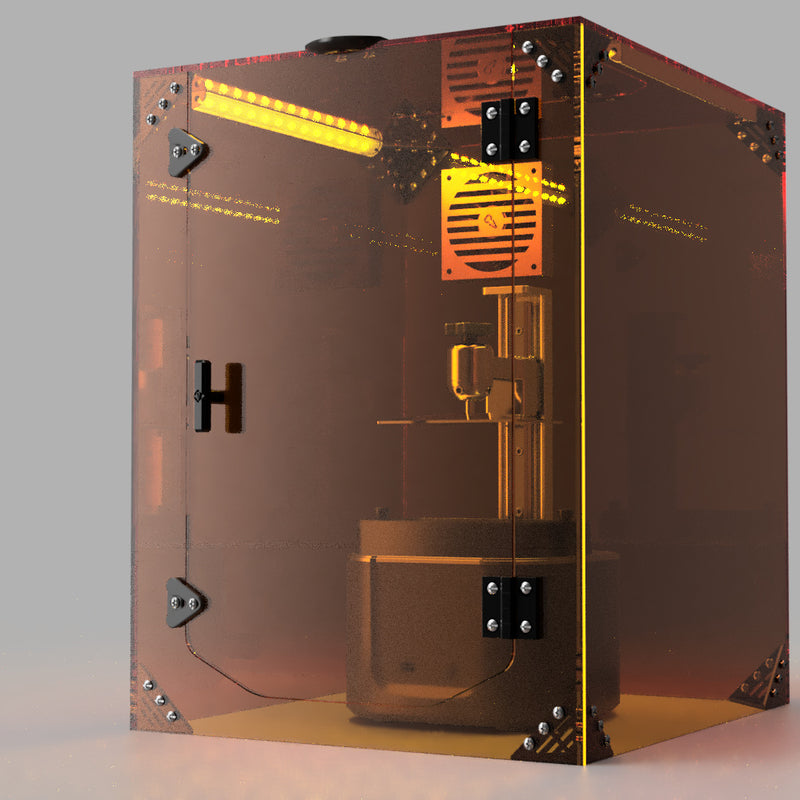
Dialed shows optional Clearview printer enclosures, enclosure filters, and risers and accessories alongside the selected setup. Dedicated products are matched to their catalog-listed printers; general options include fit notes. Product placement does not determine the order of community reports.
Questions about Dialed
Is it free, and do I need to connect my printer?
Yes, it is free. You do not need an account, printer connection or credentials. Clearview provides it as a useful resource for the printing community.
Are these guaranteed optimal settings?
No. These are published experiments and troubleshooting starting points. Reviewed reports retain the author’s context and limitations. Physical testing on your machine is how you establish your own best settings.
What if my exact filament and printer are missing?
Try a broader brand filter or use the tailored community searches. Live search currently covers public Bambu Lab and Creality forums; links also open searches on Reddit, YouTube, GitHub and the wider web. Fresh discussions are marked unreviewed.
Can I import the download into my slicer?
The download contains readable research notes and a test plan, including sources. It is not a slicer profile or printer command file.